
A crypto terminal for Binance pairs. See the trade's risk before you enter.
Liquidation, stop, take-profit and fees before you press «Long». 500+ pairs, 18 timeframes, BTC history since 2011 and 61 indicators, including CVD, open interest, funding and liquidations.
- 3 days of Pro, no card
- 20 alerts free forever
- Works on your phone
- No auto-trading
BTC/USDTBinance, 1hlive
Risk before entryCalculation example
- Position
- Long 10×
- Risk
- $100 (1%)
- R:R
- 1:2.5
- Stop
- −2%
- Take
- +5%
- Liquidation
- ≈ −9.5%
$10,000 account, entry at the current price. The trade window in the terminal does the same math before you open a position.
Sessions nowLondon and New York are open together
Approximate, in UTC, without daylight saving time.
Market now
Binance pairs with over $2M of 24h volume. Updates every minute.
Top losers, 24h
Highest funding
Largest volume, 24h
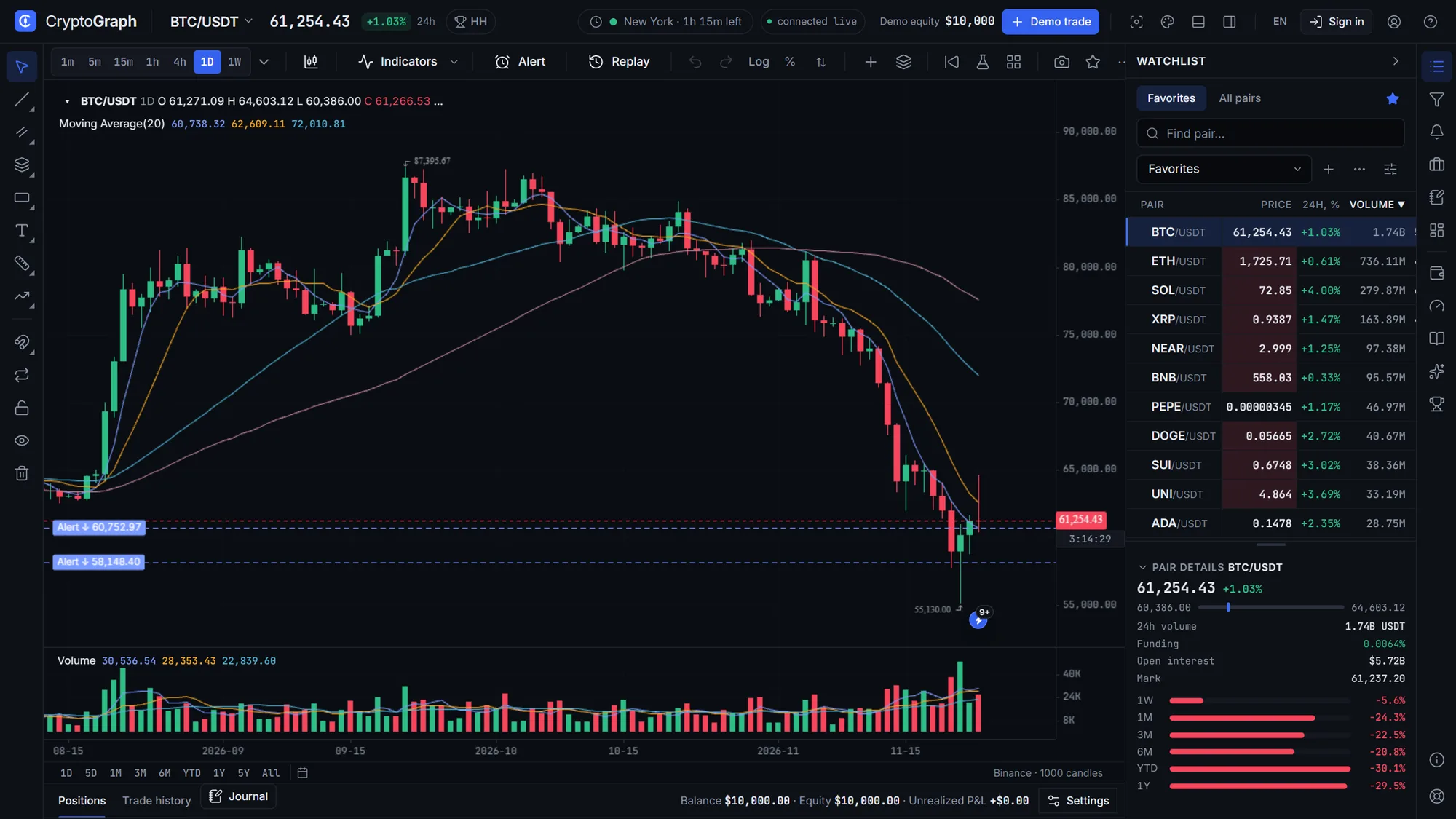
Funding, OI, liquidations and position sizing next to the chart
The usual way
- The chart in one tab, funding and OI in another
- You work out liquidation in a calculator after you've already entered
- Alerts scattered across three apps
- Trades and mistakes live in your phone notes
With CryptoGraph
- Price, volume, CVD, OI, funding and liquidations on one chart
- Liquidation, stop, take-profit and fees are visible before you press “Long”
- Alerts on price and indicators; on paid plans, also by email and in Telegram
- A trade journal with stats, strategy backtesting and a HashHedge challenge tracker
From picking a pair to a trade plan
01
Pick a pair
The screener filters pairs by volume, change, RSI or funding. Save the ones you need to Favorites.
02
Mark levels and set an alert
Lines, channels, Fibonacci, S/R levels. Set an alert on price or an indicator with a right-click on the chart.
03
Calculate the risk
Leverage, liquidation, stop, take-profit and fees, all before entry. Practice in the demo or open the trade on the exchange yourself.
What's in the terminal
61 indicators
RSI, MACD, Ichimoku, Supertrend, VWAP, Volume Profile, and for crypto: CVD, Open Interest, Funding, Long/Short and liquidations.
Alerts
Price crossings, levels, indicator conditions, an alert for a whole list of pairs. On paid plans, also by email and in Telegram.
Risk before entry
Liquidation price, position size from risk, R:R and fees, all in the trade window before you open a position.
Screener
All Binance pairs with filters for volume, change, RSI, deviation from VWAP, funding and open interest.
Replay and backtest
Step through history candle by candle without peeking into the future, or test a simple strategy on the same candles.
HashHedge tracker
Challenge limits, drawdown and a position size plan. Analytics only: you open trades manually, as the rules require.
Multi-chart
Up to 8 charts on screen depending on your plan, each with its own pair and timeframe. Pair, timeframe, crosshair and time can be synced between them.
Trade journal
Win rate, profit factor, drawdown, R and the result of each setup. Demo trades from the terminal import in one click.
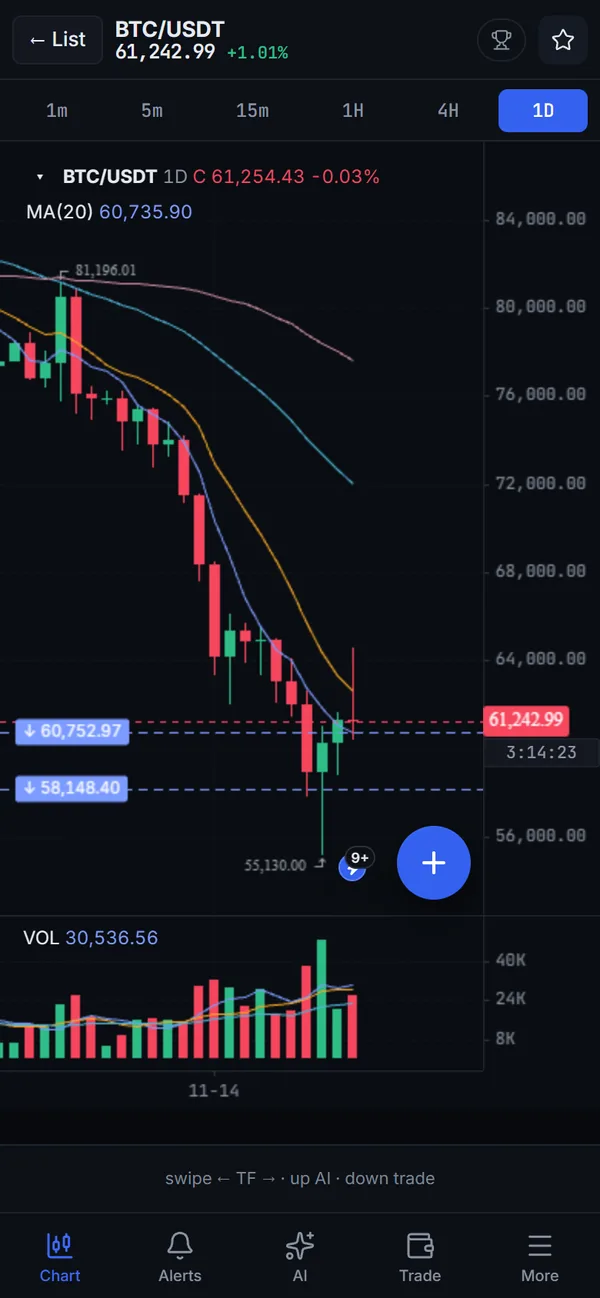
The terminal on your phone, no app store
- Installs from the browser to your home screen
- Swipe the chart to change timeframe, bottom menu within thumb reach
- Alerts, AI and demo trade are in the bottom menu, the order book is a strip under the chart
Plans: Free forever, paid from $10 a month
Prices are in US dollars. Pay via Telegram (@CryptoBot), USDT or card, no auto-renewal: the plan simply doesn't renew if you don't pay. Compare plans
FAQ
Is this an exchange? Is my money held anywhere?
No. CryptoGraph shows charts and calculates risk. We don't accept deposits and don't connect to your exchange account. Trades in the terminal are demo trades, with no real money.
Does the service trade for me?
No. There is no auto-trading or bots in the service; you open trades on the exchange yourself. That is why the HashHedge tracker works for a challenge where bots are banned.
Where does the data come from and how fresh is it?
Prices and candles come from Binance public APIs in real time over WebSocket. Funding, open interest and liquidations come from Binance Futures. Old BTC history comes from the Bitstamp archive.
What stays free?
The chart with all timeframes, drawing tools, 3 indicators at once, 20 alerts, the screener, demo trades and 3 AI requests a day. Forever, no card.
How does the trial work?
After you confirm your email, Pro turns on for 3 days: 400 alerts, 25 indicators on the chart, up to 6 charts on screen, OI, funding and liquidations, the backtester. Then your account moves to Free and your data is kept.
How do I pay and can I cancel?
Press “Pay” in your account. With Telegram (@CryptoBot) the plan turns on by itself in about a minute; we check USDT transfers and card payments manually, usually within a day. There is no auto-renewal, so there is nothing to cancel.
Pro plan free for the first 3 days
No card. After three days your account moves to Free on its own; alerts and drawings are kept.